Showing posts with label Promethean. Show all posts

Monday, September 10, 2012

Go Math! and Guided Math

As this post is published, my fourth week of math workshop with Go Math will begin. I have to say I'm really enjoying using our new math program. It isn't perfect, and I'm not teaching it perfectly, but my kids are learning and my math instruction has changed dramatically!

Things I LOVE:

  • If the lesson is on subtraction, the practice is on subtraction as well...not 29 different types of problems as with our previous program. 
  • Upper grades teachers now have manipulatives!!!
  • Animated Math Models: I haven't used them yet, but look forward to introducing a concept with them. They're like interactive videos and they seem very engaging.
  • Workshop format is the perfect structure for this program: Minilesson, small group/independent work, centers, then back to whole group. Okay, so I've still not been able to fit in the last whole group time, but I'm working towards it. 
  • Lessons are built on using number sense to solve problems, not shortcuts. 
Things I'm still working on:
  • Fact practice: It isn't included in our program, but I just kept right on doing it the way I always have. I think they need fluency with facts, and it only takes about 5 minutes. 
  • Calendar: We didn't purchase the companion Every Day Counts Calendar, but I've put together something that I think is working.
  • Math Journals: We've used them for learning and practicing concepts, but I need to work in more time for actually responding to prompts during independent work time. Right now though, it is taking almost all of their independent work time to finish the lesson problems. 
Things I DON'T love:
  • The Promethean flipcharts (which were a huge selling point for us) are horrible. On the surface, they looked very professional and well put together, however some of the problems are missing. Some of the "independent" problems are on there as guided practice. The formative assessment with Activotes/ActivExpressions only includes one question and it doesn't assess the lesson. It is simply the test prep question at the end of each lesson. Also, the page notes with instructions aren't organized in a user-friendly manner. I've had to make notations all over mine. Basically, you can't use the flipcharts WITH the student book because there are too many discrepancies. 
  • Sometimes you aren't sure what the questions in the SE want. 
    • For example, "24 hundreds =______" I had to look in the TE to figure out that the standard form of the number goes in the blank (2,400). 
  • Sometimes the problems being broken down into tiny little steps is a hurdle. The program describes the 'in the head' processes that students should use...this is not a bad thing. In fact, it is great if your kids are used to it! For now, it can be a stumbling block as my students learn to slow down and think through the problems. I know this will get better and is better for them in the long run though. 

Thursday, May 3, 2012

Shape-aholics!

If you teach 4th grade Saxon Math, then you're probably all too familiar with the stress and anxiety that accompanies lesson 100: Constructing Geometric Models. It's horrible! Every year it's the same, "You wanna just read over this and then skip it?" My coworker and I say almost at once. Not this year! We've spent an entire week learning about geometric solids, and my kiddos (and I) have thoroughly enjoyed it!

Monday: We started with this flipchart: 

Then, I armed the kiddos with digital cameras and had them go on a hunt around the school for examples of each type of solid.

Tuesday: We reviewed the flipchart, then started to compile the images and create a video (hopefully, we'll finish it tomorrow).

Wednesday: Reviewed flipchart. Did a version of this awesome nets activity I found on Pinterest:
 

Thursday (today): Constructed models using jellybeans and toothpicks! (Another great Pinterest find). Took a quiz, then worked on our video. 
What a great way to review edges and vertices!

Friday: The plan is to finish our video, and find other examples to photograph if we need them. 

Wednesday, April 18, 2012

Ode to an ActivExpression

This is a poem one of my students wrote today that made us all chuckle:

ActivExpression, ActivExpression
The greatest technology since the Great Depression
Oh, ActivExpression, where did you go?
Please don't leave 'cause you're the best techno.
Just be careful if you're on a boat
Because if you fall in the water you will not float.
We've been through good times and we've been through bad
And when your batteries go dead I will be sad.

During THE TEST we had to put away our ActivExpressions. It was like Christmas when I passed them out again! I'm guessing that's one reason he was inspired to write this poem. 

Sunday, March 18, 2012

Its Time for a Giveaway!

Who's ready for a giveaway? For the next two days I will be attending meetings as part of the Promethean Social Media Council. Why is this good news for you? It inspired me to do another giveaway! 
The winner will be randomly selected 
Thursday, March 22 at 10:00 PM CST. 

The winner will receive a copy of The Response Revolution, and an ActiVote and ActivExpression stress ball. To enter: 

  1. Follow my blog or tell me you're already a follower. (Leave a comment)
  2. Like ThinkShareTeach's Facebook page. (Leave a comment)
  3. Blog about this giveaway (Leave a link to the post in your comment)
  4. Grab my button and post on your blog (Leave 2 comments with a link)
Every time you comment means another chance to win! Happy Blogging! 


Monday, March 5, 2012

Hello, My Name is Farrah, and I'm a Pen Hog


If you have an Interactive White Board or a slate, you can probably identify with my confession. Isn't admitting it supposed to be the first step? Perhaps it is because I like being in control, or perhaps it is because its quicker and generally more efficient if I just do it myself. But for the board to truly be interactive, I have to let the pen go. I'm working really hard to leave the pen alone and leave it to the kids. Surely I'm not the only one who struggles with this...


Saturday, February 11, 2012

Teaching in the one-iPad Classroom


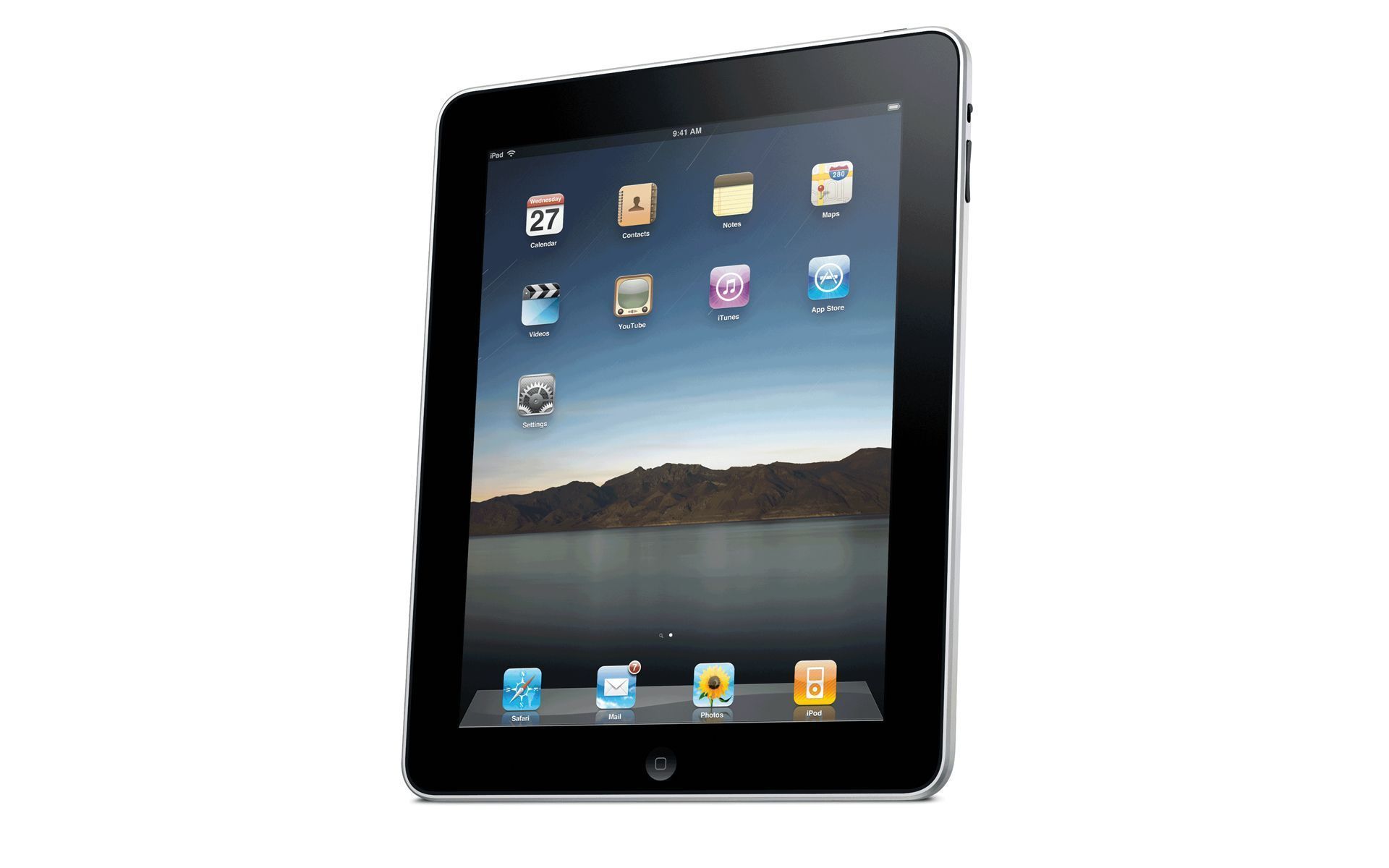
As I write this, I'm reminded of my early days in teaching when I was lucky to have one computer in my classroom. Although we've come well past the days of the one computer classroom, I now find myself trying to troubleshoot how to use my one iPad in the classroom. Here are some ways I've begun using it with my 24 students:
  1. Small group instruction-There are countless apps that can be downloaded for free or at very little cost that are beneficial for a small group of 4-6 students to work on together. During my small group math instruction, I've used Coin Math and Math Drills Lite. The children at the small group table take turns (round-robin style). While one child answers the question/problem on the iPad, the others work it on white boards or with money manipulatives. The iPad gets passed around the table in a clockwise motion and we continue this until everyone has had at least 2 turns. 
  2. Paired with Document Camera-I'm fortunate enough to have a Promethean ActiView camera in my room, so many times, I've simply placed my iPad under the document camera and projected the image onto our ActivBoard. One or more students can take turns clicking the iPad. I especially like to show BrainPop's featured movie using the BrainPop app.  I've also used Grammar Jammers in this way.
  3. As a Center Activity-If it's not being used with small groups (or maybe after we've finished), sometimes I allow small groups of students to take turns playing games on the iPad in groups of 2-4. (I love this idea for school-purchased iPads, but as the one I have is my personal iPad, I do this sparingly). Some of the apps I've used in this way are Crazy Tangram and Rocket Math.
  4. As an Interactive Slate-With the Splashtop app ($4.95), I can control my computer with my iPad. This allows me to walk around the room and use my iPad as an interactive slate. Instead of having students come to the board to click, drag, write, ect...They can do the same things from their seats on my iPad! This allows for even more interactive lessons because of the time efficiency. Let me explain...previously if a page on my flipchart lesson called for something to be revealed by clicking, I found that having a student walk up to the board, click the object, then walk back was not very efficient and slowed down the momentum of the lesson. Therefore, I simply clicked it and moved on. Now, I can give that control back to the students as I move around the classroom.
  5. As a Student Response System-With Promethean's free ActivEngage app, students can respond to questions using the iPad, rather than ActiVotes, ActivExpressions, or other mobile devices. ActivEngage works right alongside the other devices and groups of 2-4 students can "share" the iPad when choosing their answer. One desk grouping could use it (3 desks are in a group in my room), then pass it to the next group for the next question. This allows for more active engagement and collaboration. It reminds me of the "Think Pair Share" strategy we use in reading. I've yet to try this out in my classroom, but I've explored the app and this is definitely on my To-Do List.
I'd love to hear how you're using iPads in your classroom!

Saturday, January 21, 2012

And the Winner Is...

Jennifer, from Keys 4 Education is the winner of my first giveaway! Congratulations, Jennifer, and thank you to everyone who participated!


Jennifer won a copy of The Response Revolution as well as two stress balls: one an ActiVote, and one an ActivExpression.

Stop by Jennifer's blog and check it out:

Tuesday, January 17, 2012

5 Ideas for Using Your ActivExpressions Today!

ActivExpressions are easy to use, provide instant feedback and can help keep students interested and motivated. Are you a little unsure of how to use your ActivExpressions? In this post, I'll give you a few ideas that require NO prep-work for you. You can literally go in your classroom and use them right away. So here goes:
Using the Express Poll you can verbally ask a question, or even write/type it on the board, then have students send in responses.
 
    1. Self-Assessments: I often have students assess their work during small group instruction. This could easily be adapted to whole group lessons. If you have a numbered rubric that you are familiar with, students can send in the number that corresponds with the rubric. Go to ExpressPoll, and click Number Question.
    2. Morning Math Stretches: "How did your family use math last night?" is one common math stretch discussed in Laney Sammons' book, Guided Math. (For a flipchart with more, click here to visit my website). Simply go to ExpressPoll, click on the ABC button, and students can text in their answers. This is so much more time and space efficient than my previous way of having students write answers on the ActivBoard. Even with Dual User, it was crazy difficult for 24 students to all have a turn. 
    3. Smoothing Transitions: Are your students slow during transition times? Using the text feature have students text in their name when they've gotten their items ready for the next lesson, lunch, or finished cleaning at the end of the day. Whose name will light up first, or even within the first 10?
    4. Yes/No and True/False Questions:  This is found on ExpressPoll, then click on the green checkmark. Choose Y/N or T/F. Simply ask a question in any subject area. Students send in their responses.
    5. Lunch count: Students can either text in their choice, or you may give each choice an option, such as A, B, C. On the ExpressPoll, choose Multiple Choice. (See below) 
     

    These ideas allow you to seamlessly integrate technology into your existing lessons, with no extra work for you! As an added benefit, you have all of the data at your fingertips and don't have to worry about trying to remember it!

    Sunday, January 15, 2012

    Promethean's Embed Option

    Promethean's newest upgrade of ActivInspire now allows you to embed html objects such as YouTube videos, Glogs, Prezi's, etc. directly from the web! Check out this post for some really great ideas on how to use this new feature in the classroom:


    I can't wait to use this feature in my lessons. It will be so great to have everything I need right in the flipchart.

    Saturday, January 14, 2012

    Response Revolution GiveAway!

    My first giveaway in honor of the new Promethean ActivExpressions 2 my classroom received yesterday!

    The winner will be randomly selected on 
    Saturday, January 21.  
     
    The winner will receive a copy of The Response Revolution, and an ActiVote and ActivExpression stress ball. To enter:
    1. Follow my blog or tell me you're already a follower. (Leave a comment)
    2. Like ThinkShareTeach's Facebook page. (Leave a comment)
    3. Blog about this giveaway (Leave a link to the post in your comment)
    4. Grab my button and post on your blog (Leave 2 comments with a link)
    Every time you comment means another chance to win! Happy Blogging!


    Friday, January 13, 2012

    Awesome Delivery


    Today my class received a new set of Promethean version 2 ActivExpressions! (Thank you, Promethean!) So, of course we had to drop everything and try them out. (Never mind that we were in the middle of a math lesson. When something that cool happens, you just have to go with it.) So, what did they kiddos have to say about them? Results from a poll I took today using the Expressions:

    The Question----What is your favorite thing about the new ActivExpressions?

    The Result:
    They have keyboards.
    They're the new thing and they're cool.
    You can text in your answer.
    How it is made.
    It is so huge and the keyboard is awesome!
    It's like you're texting on a phone and there's a screen.
    It is fun!

    I'm definitely looking forward to using these on a daily basis.

    Tuesday, January 10, 2012

    Splashtop

    Teachers, if you have an iPad you have GOT to get this app! Splashtop basically allows you to control your desktop or laptop computer with your iPad. It's like having an Interwrite Mobi or ActivSlate device, but you can actually see the same screen on your iPad as what is on your computer, which makes it much easier to allow students to interact with projected images.